When Your Website Works Against Your Business

Imagine you have a problem and you’re looking for a solution.

You find a business that might be able to help, click through to their website, and within a few seconds, you close the tab. You just leave their business.

On their side, this kind of visitor might simply appear as another number in the dashboard called a bounce.

A high bounce rate isn’t automatically a problem. It depends on the page and its goal. But if people are consistently arriving and leaving without spending time, it’s worth asking why.

Especially when you know people are visiting your website, but those visits aren’t turning into leads.

Often times, the website itself is part of the problem.

So in this article, we’ll look at five things your website might be doing that quietly work against your business (even when the business itself is awesome)
01. Your website is part of your first positive impression

Before a customer calls you, visits your showroom, asks for a quote, or sends an enquiry, there’s a good chance they’ve already seen your website. And in those few seconds, they’re forming an impression of the business behind the website. 

Like social media. The first time they discover you, people don’t have enough information yet, so they use whatever can be seen in your profile and posts, and it formed an impression.

And it’s literally the same with a website. A polished, current website can quietly communicate, “This one looks good”. A neglected one can accidentally suggest the opposite.

That’s especially important because your customers don’t know what’s happening behind the scenes. They don’t know that you’ve been in business for 20 years, that your team is excellent, or that you’ve built a great reputation through word of mouth. 

They only see what you put in front of them virtually. If the website feels outdated, confusing, or disconnected from the quality of the actual business, there’s a gap between who you are and how you’re perceived.

Perception matters because customers rarely ask themselves “Is this website technically good?” They ask something they care about: “Do I feel confident engaging further with this business?”. That early question, answered by first impression.

And your business website is one of the earliest opportunities you have to answer that question.

2. A modern website making sure your presentation doesn’t undersell you

Visual presentation has a strange amount of power. Before people understand whether you’re good at what you do, they already have an impression of you. 

A lawyer wearing a sharp suit doesn’t automatically make them a better lawyer, but it can make people feel that they’re dealing with someone capable and serious. 

The same thing happens with a website. A modern, well-presented website doesn’t prove that a business is excellent. But it opens up opportunities.

In Confessions of a Shopaholic, Rebecca Bloomwood knows how to present herself. She dresses to impress, and that presentation opens doors before people really know her story. Of course, the irony is that she’s using credit cards to maintain an image she can’t afford, and eventually the whole thing catches up with her. 

But there’s still a useful lesson underneath the comedy: people respond to what they see before they know the full story. 

Your customers are doing the same thing with your business. They don’t know yet whether you’re the best supplier, the most experienced contractor, or the most reliable company in town. They only know they’re interested.

That’s why good web design isn’t about pretending to be something you’re not. It’s about making sure your presentation doesn’t undersell you. If your business is genuinely good but your website looks like it hasn’t been touched in ten years, there’s a disconnect. A modern website can make people think, “This looks interesting. These people seem serious. I want to know more.” And sometimes, that’s all the first impression needs to accomplish: open the door.

3. Old stuff creates uncertainty and irrelevancy

An outdated website isn’t only a visual problem. Sometimes the information itself is simply no longer true. Maybe you’ve moved to a new address but the old one is still on the contact page. Maybe the email address isn’t monitored anymore. Maybe you’ve stopped offering a service, changed your pricing, or changed the way customers are supposed to enquire. 

These details might seem small from inside the business, but to someone discovering you for the first time, it’s not good. This outdated website creates uncertainty.

Imagine a potential customer visits your website and sees a service listed at $5,000. They spend time thinking about it, decide they’re interested, and finally call you, only to find out the price is now $6,000. 

Even if the new price is completely reasonable, the experience doesn’t feel seamless. They came into the conversation because they like whatever they see on the website, and suddenly discovered another in the call. Your website has accidentally created a bottleneck before you’ve even started talking.

Then there’s relevancy. A website can be technically correct and still feel like it belongs to another era. If your website still looks and communicates like it was built in 2015, while your customers’ expectations have moved forward, they may start wondering what’s happening behind the scenes. Are they still operating? Do they still care about this business? Is this company keeping up? Look at how businesses communicate today: short-form video, behind-the-scenes content, real photography, personality, founder being present in the video, current projects, people actually showing up on camera. Then compare that with a website that still looks like a template downloaded from Envato or Themeforest years ago. The problem isn’t that the old template is ugly. It’s that it tells people you’re not “Today”..

4. Difficult navigation makes customers work too hard

Your customer shouldn’t have to solve a puzzle just to understand what you sell. Yet this happens surprisingly often. 

Important information is buried two clicks deep, product categories aren’t obvious, services are named in ways you understand but the customers don’t, or the navigation is filled with so many options that it takes seconds for people to decide where to start.

 You might know exactly where everything is because you built the website and have looked at it a thousand times. Your customer hasn’t. They’re just some strangers from the internet, and they’re expecting the website to provide the answer they’re browsing for.

Think about a physical store. If you ask someone where the shoes are and they say, “Go to the back, turn left, then look for the blue sign behind the display…” you might manage it. But if every part of the store works like that, eventually you’ll wonder if these guys can actually help you at the end.

Websites are no different. Good navigation reduces the amount of thinking your customer has to do. They should be able to understand where they are, where they can go, and what they should look at next without having to figure out your internal way of organising the business.

This becomes even more important for businesses with a large range of products or services. If you have 100 products, 20 services, multiple categories, specifications, locations or industries you serve, throwing everything into one giant menu isn’t helpful. 

A good website doesn’t simply contain information, but it’s easy to browse.

5. A website doesn’t need to be fancy — it needs to make customers confident

You don’t need flashy animations everywhere, a hundred pages, advanced features, or the latest design trend just to have a website that works for the business. 

What matters is whether your website gives the right customer enough confidence to take the next step. Can they understand what you do? Can they find what they’re looking for? Does the information feel current? Does the business feel relevant to them? Looks legitimate and worth contacting?

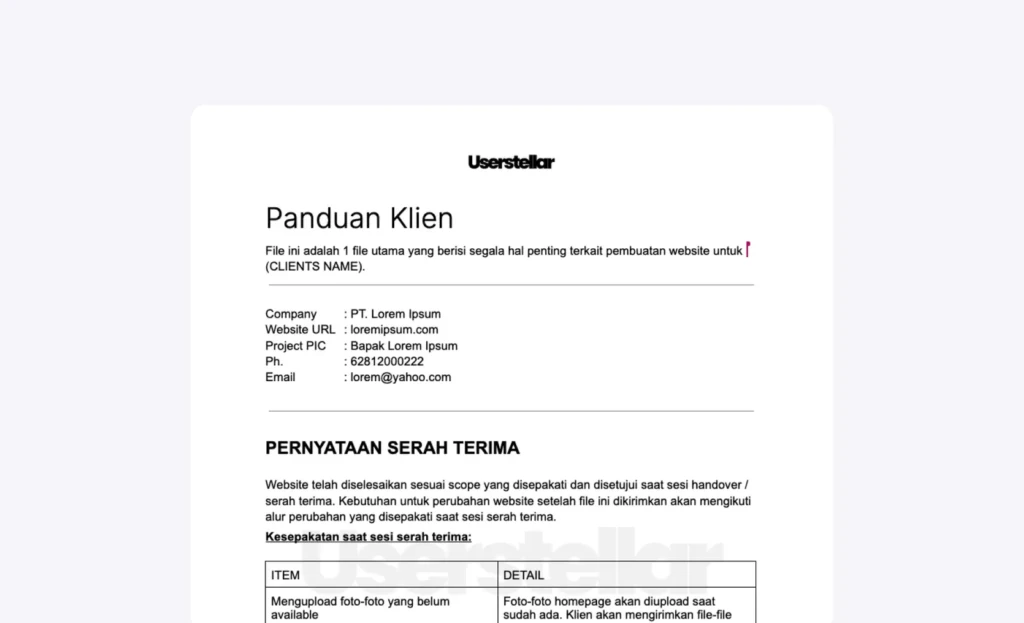
That’s really what good web design should do: remove doubt, not add decoration. And if you’re wondering whether your own website is doing that job, I’ve put together a simple set of questions you can use to review it yourself.

Frame 255

Download the Free Website Questions Guide

This will guide you to see better if your current website actually supporting your business

Frame-203

Download the Free Website Questions Guide

This will guide you to see better if your current website actually supporting your business

Could not be saved. Please try again.
You're good! Please check your inbox now (or spam folder)